
Define the boundary between video, security and connectivity
A surveillance solution includes cameras or controllers, network transmission and a monitoring application. DTECH industrial communication products support the connectivity layer for compatible equipment. The security-platform provider and system integrator remain responsible for recording, access policy, application configuration and complete-system acceptance.
Start with an endpoint schedule that identifies each camera, controller or cabinet, its interface, power method, network destination, route length and service conditions. That schedule makes it possible to plan a structured network rather than placing devices around individual links.
Build field cabinet and uplink paths
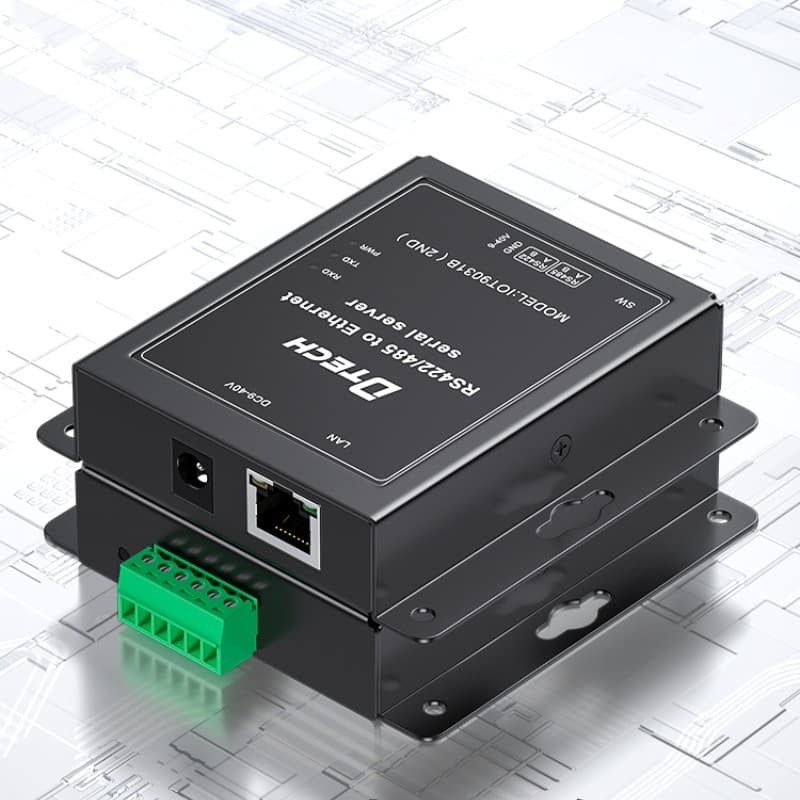
Industrial Ethernet switches can create organized cabinet connection points for compatible cameras, controllers and uplinks. PoE may be relevant for compatible powered endpoints. Serial device servers and converters may support compatible legacy controller interfaces. The selected device must match the confirmed port, power, cable and installation conditions.
For longer routes, different media and cabinet stages may be considered according to the network design. Keep equipment IDs, port labels, cable identifiers and uplink records available to field-support teams; these details are often the fastest way to restore a path after service work.
Use careful project and delivery evidence
Before installation, confirm mounting space, power, grounding, cable entries, service access and expected operating environment. Do not infer project suitability from a generic product family; verify model-level documentation and the site requirements.
When customers ask for factory testing or shipment evidence, document the agreed scope—such as model, quantity, requested basic function, labels, accessories and packaging. This supports transparent delivery without overstating what a product-level check can prove about a completed surveillance system.
Recommended visuals
Show the connection path with real, approved evidence.
Hero image: Use a real application, cabinet or product image that shows the field environment and leaves space for the page headline.
Engineering image: Place an approved control-cabinet, installation-preparation or factory-test image after the architecture section. Caption it with the actual process shown.
Delivery image: Where available, use a real shipment-inspection or packaging image. Do not use AI imagery as evidence of a completed customer project, factory audit or certification.
Conclusion
Make the connectivity decision from the actual project conditions.
Plan dependable connectivity for compatible cameras, security controllers, field cabinets and monitoring networks. A clear equipment list, network path and installation record give the project team a more dependable basis for selection, testing and support than a generic product list alone.